
Commercial Roof Warranty Management in Brownsville, TX
Organize Brownsville roof warranty records
A warranty file needs the installed system, accepted documents and a dated record of the work performed. We organize roof observations, maintenance, repairs and closeout by building so the owner can locate the information when a question arises. Brownsville's frequent hot days and regional storms make current condition records useful for facilities teams. The manufacturer or contract controls coverage; our file keeps the roofing evidence organized for review.
Send the property address, warranty documents, roof system and maintenance history. We will connect inspection and repair records to the correct building and roof section. Call 555-555-5555 or use the form.
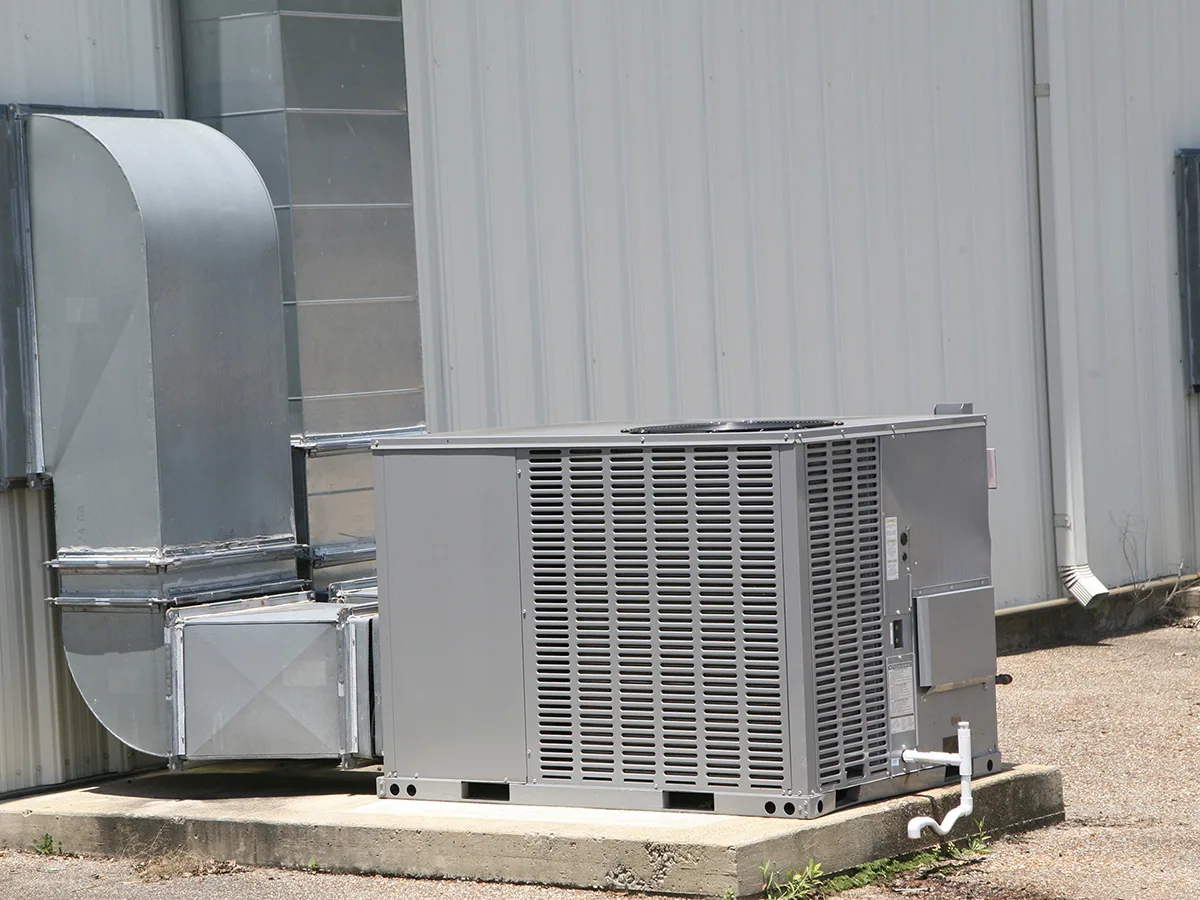
Record: Collect the documents tied to the roof
We start with the property address, system identification, installation closeout, warranty documents supplied by the owner, inspection schedule and known service history. Each repair record names the affected roof area, materials used, approval and date. A roof condition report can provide tagged photographs and open conditions, while a commercial roof inspection adds current observations. We keep those records separate from a warranty interpretation or coverage decision.
Brownsville's adopted 2018 International Building Code guides City review of commercial plans and permits when an alteration affects a warranted roof assembly. The designer, owner and warranty issuer confirm requirements that apply to the specific system. We can organize inspection findings or perform authorized roofing maintenance, but warranty terms, notice deadlines and approved repair methods come from the governing document. The file records which document was provided and which party needs to interpret it.
At the Brownsville healthcare campuses, access, occupied areas and facility contacts may vary by building. The same record discipline applies across campuses: name the address, roof section and person who accompanied the visit. A shared institutional name does not merge separate systems, warranties or work histories into one roof record.
Maintain: Schedule inspections around actual conditions
A maintenance schedule should follow the assembly, exposure and service record. We inspect drains, seams, edges, penetrations and previous repairs, then note conditions that need correction or another observation. A preventive maintenance visit can keep routine findings and completed tasks dated. The owner retains the product documents and any required reporting instructions so the work can be matched with the governing terms.
Brownsville normals show about 140 days a year at or above 90 degrees, with normal August highs near 96 degrees. Heat influences access planning and surface condition, so visits should record date, time and areas reached. A roof that was not accessible remains outside the completed inspection. The report identifies another access method or follow-up date rather than showing the item as checked.
The 2020 Hurricane Hanna event brought wind, rain and flooding to the Rio Grande Valley; a warranty file should tie any claim to inspected property conditions. Following a storm, the owner can preserve the event date, inspection findings, temporary protection and authorized repair as separate entries. A roof asset record can keep those entries attached to the property and system, while each warranty question follows the document's stated notification and review path.
Coordinate: Route a warranty question with evidence
When a leak or defect is reported, we identify the roof area and gather available installation, maintenance and prior repair records. The field visit documents what is visible, whether the condition is active and which materials were confirmed. The owner or warranty administrator submits the notice required by the document. We do not state that a claim is covered; we provide roofing observations and the requested work record.
If immediate water entry needs attention, we can respond around the clock, including weekends and holidays. Before permanent work changes the system, the owner should identify any notice or authorization step in the supplied warranty terms. We document temporary protection separately and coordinate the next step with the designated contact. If a test opening is needed, the scope identifies location, restoration and who approves it.
Facilities with several buildings can assign a warranty contact, site contact and decision-maker for each property. For an industrial building in the port region, active operations may limit access or staging. The Port business park context can help orient the visit, but each owner supplies the building-specific route, operating window and system file.
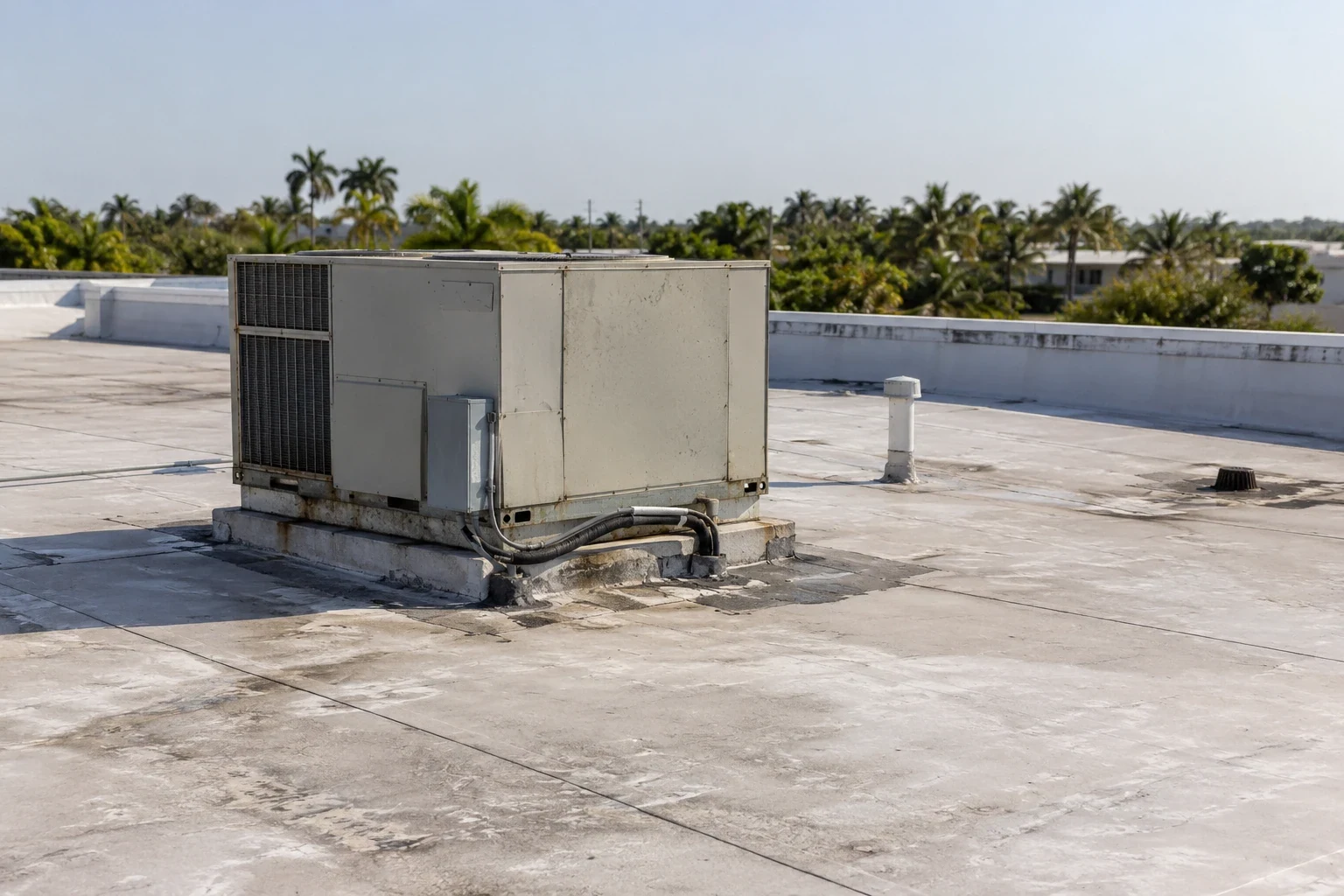
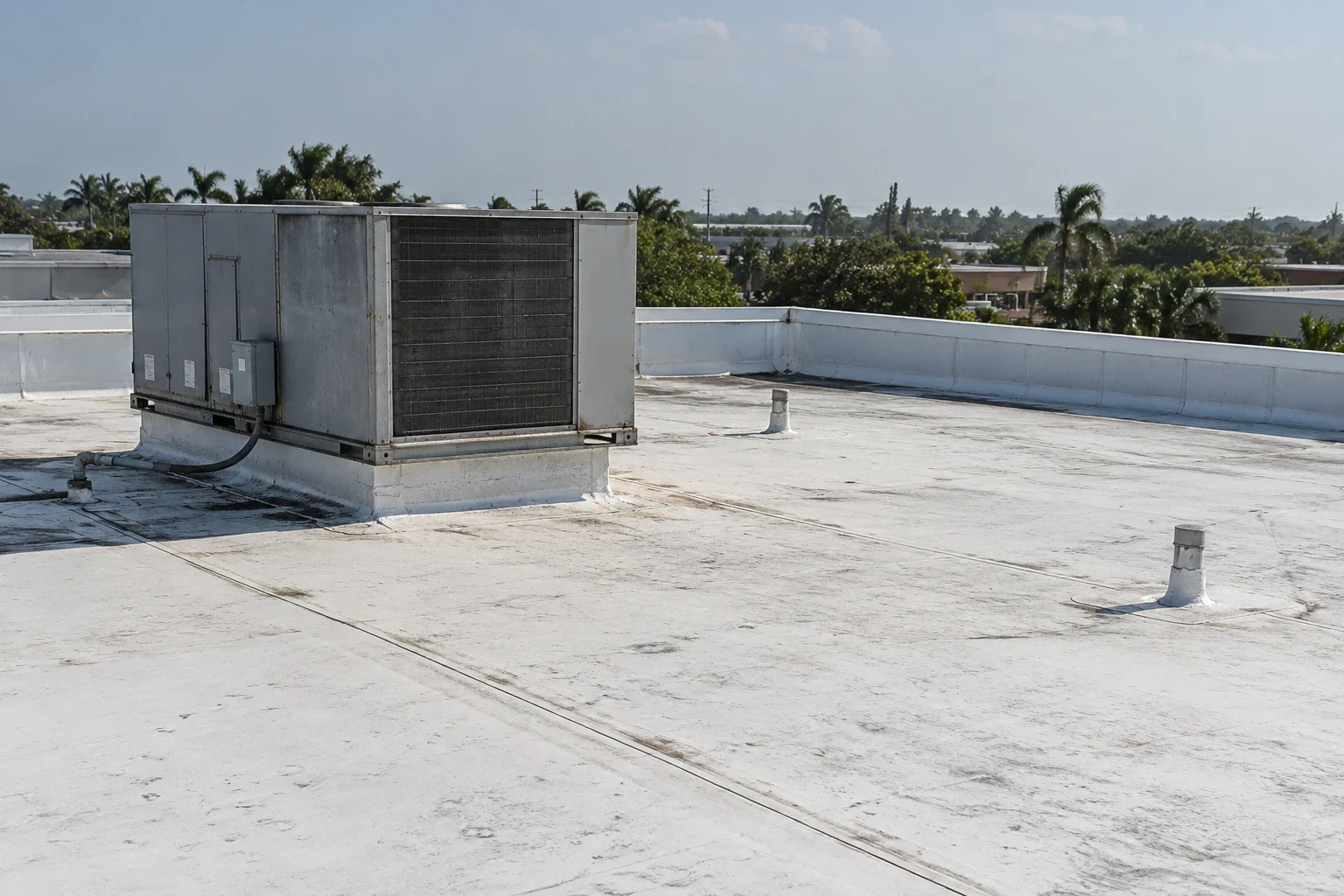
Scope: Keep roof work within written authorization
A repair proposal states the confirmed material, preparation, tie-in, work area and closeout record. It lists any condition that could change the scope, including concealed moisture, a second roof layer, deck damage or an access limit. If a warranty administrator or designer must approve a detail, we identify that hold before work proceeds. Added removal is documented and submitted for direction instead of silently included.
Brownsville's commercial plans and permits are reviewed by the City under adopted code requirements. The designer confirms project-specific requirements when work alters an assembly or detail. We install the accepted roof scope and return photographs, materials and approvals for the property file. The owner can then forward that record to the relevant warranty contact if the document calls for it.
Closeout should include the completion date, affected areas, installed material, photos and unresolved items. We identify any remaining issue separately from the completed repair. That gives a warranty administrator a clear record to evaluate and lets the facility schedule a return visit if another condition appears.
Closeout: Keep the warranty history findable
The building file can hold product and installation documents, inspection reports, maintenance, repair approvals and final photographs under one roof-area naming convention. We note missing records supplied by the owner and list questions that need a warranty administrator's response. A future facilities contact can locate the record by property, roof section and date instead of searching across unlabelled attachments. The index can also note document version and the last time each item was reviewed.
Send the Brownsville address, available warranty documents, system details, prior repairs, maintenance history and current concern. Identify the administrator, facility contact and any notification deadline shown in the supplied documents. We will inspect or complete authorized roofing work, then return an organized record of observations and actions for the owner's file.
Related Roofing Work
Other roofing services and buildings we handle across Brownsville.
Questions About Commercial Roof Warranty Management
Can you confirm whether a roof warranty covers a leak?
The warranty issuer or administrator interprets coverage under the supplied document. We inspect the roof, record conditions and provide repair documentation for that review without deciding coverage.
What records should a facility keep with its roof warranty?
Keep the system and closeout documents, inspection dates, maintenance, prior repairs, photographs and approval history by property. We can return condition and work records with consistent roof-area labels.
Should repairs wait for a warranty review?
The owner follows the notice and authorization terms in the governing document. For active entry, we can stabilize the roof and record the temporary action, then coordinate permanent work with the designated contact.
Can you manage records for multiple Brownsville properties?
We can organize inspections and completed work by address, system and roof section. Each building's contacts and warranty records stay distinct, even when the owner uses one portfolio schedule.
What if the warranty document is missing?
We record current roof conditions and any available installation or repair history. The owner can request the governing document from the issuer or prior project file before a coverage question is routed.